
Your Data
Your data is yours, and you can see that in how easily it leaves.
What matters is what happens when you want your data somewhere else. This page covers what leaves, where it goes, and what never leaves.
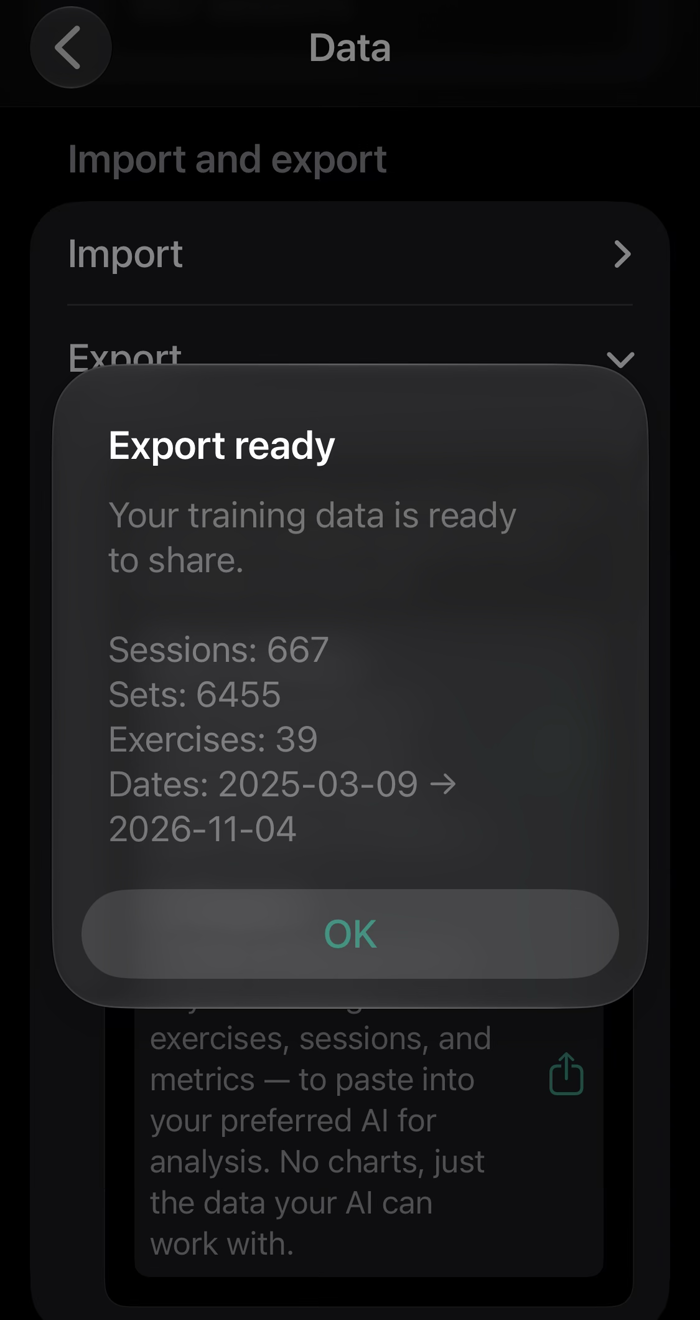
Export, made for AI
An export is only useful if something can read it, and very little software wants your training data. A CSV of your sets tends to sit in a folder until you forget about it. So the export that ships today is built for a reader that can use it: the AI of your choice.
Gym Jockey doesn’t do AI coaching, and won’t. It packages your entire history as a single text file: every session and set, with load, reps and effort, the rest you actually took, heart rate where you tracked it, the periods and events you marked, and your own comments. The file includes the instructions an AI needs to read it properly: what each column means, what not to assume, and to ask you what you want before it gives an opinion. Paste it into whichever model you trust and ask it questions. Why did the third set stall? What does the cut look like in the numbers? Was the sleep worth it?
No AI trainers. You keep the steering wheel; we just hand you the HD map.
A plain CSV export is on the roadmap. Data also comes in the other direction: see Bring your own data.
Apple Health
Your workouts are written to Apple Health, next to your rings, your runs and the rest of your Apple data. Health is also a source: your body weight can come from it, so bodyweight exercises and your reports use what you actually weigh.
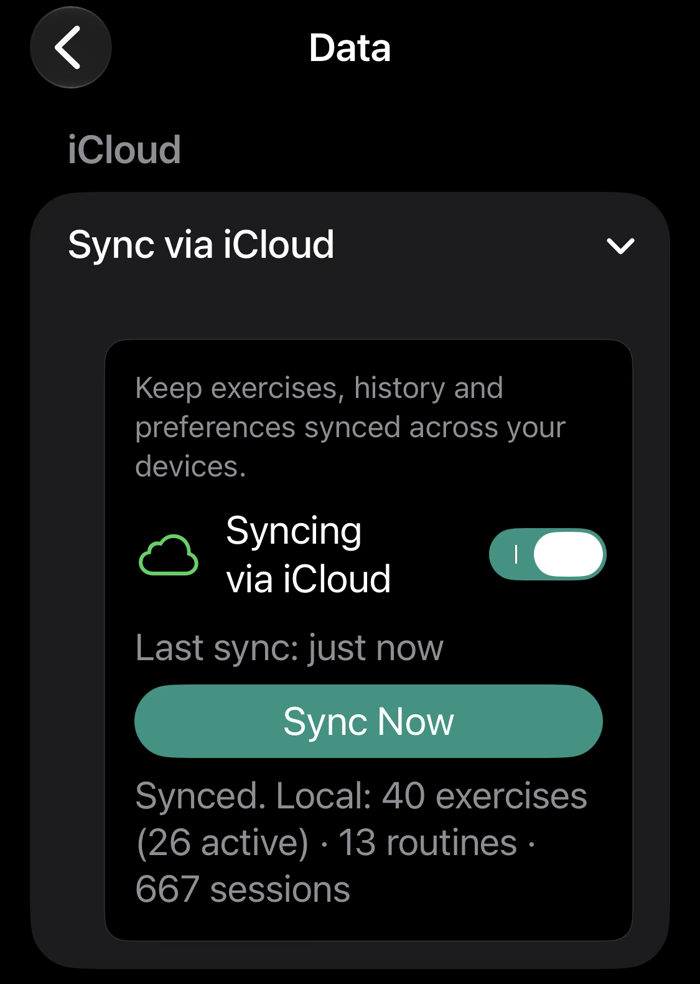
iCloud: your account, not ours
Sharing
You build your own routines and exercises. Handing them to other people as a package is on the roadmap. Today your work reaches someone else only through coaching, where the terms are agreed at the invitation: see For Coaches.
Privacy, in plain terms
The developer can’t see your training, because there’s no server of ours for it to be on. The only data that leaves your own iCloud is what you explicitly choose to send: a clip you share with the community (the song and the timestamps, nothing about you), or the sessions you share with a coach. The formal policy is on the Privacy page.
Your data stays yours, so trying the beta costs you nothing.
Open this page on your iPhone, or point its camera at the code.
On your phone: get TestFlight, open it, tap through Apple's welcome screens, then Accept and Install.
Free during the TestFlight beta. What's TestFlight?
Beta full? Get in touch.