
Music & clips
The music you want at the moment you need it.
Most people in the gym listen to music, and a playlist does the job badly. An hour at full tilt wears you out. An hour at cruising speed keeps you focused but has nothing left when you need to grind. And the best moment of the best song rarely lands while you’re under the bar.
Gym Jockey gives the two jobs to two things. Your playlist plays between sets, your own music as it is, at recovery energy. The set itself gets a clip.
What a clip is
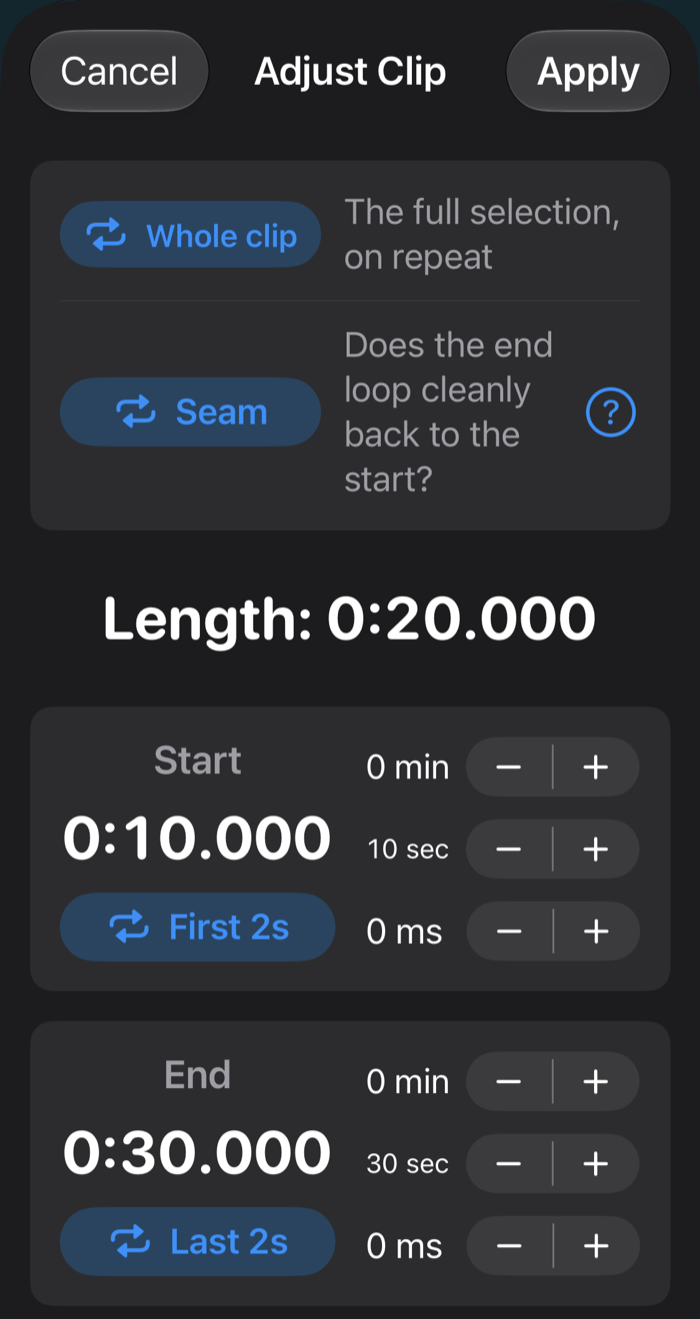
A clip is the part of a song that plays while you work, trimmed and looped for as long as the set lasts: say thirty-five seconds of the right riff, on repeat, starting when the set starts. You pin one to each exercise. The deadlift gets one song and the curl another, because they call for different things. You can make as many clips as you like, from any song.
A clip is one of three choices for a working set. You can also let your playlist carry on, or choose silence and hear only the voice.
It works best when every exercise has its own clip and no two share one. We can’t call it science, but the effect is a little Pavlovian: hear those bars on the bus and you’re ready to deadlift.
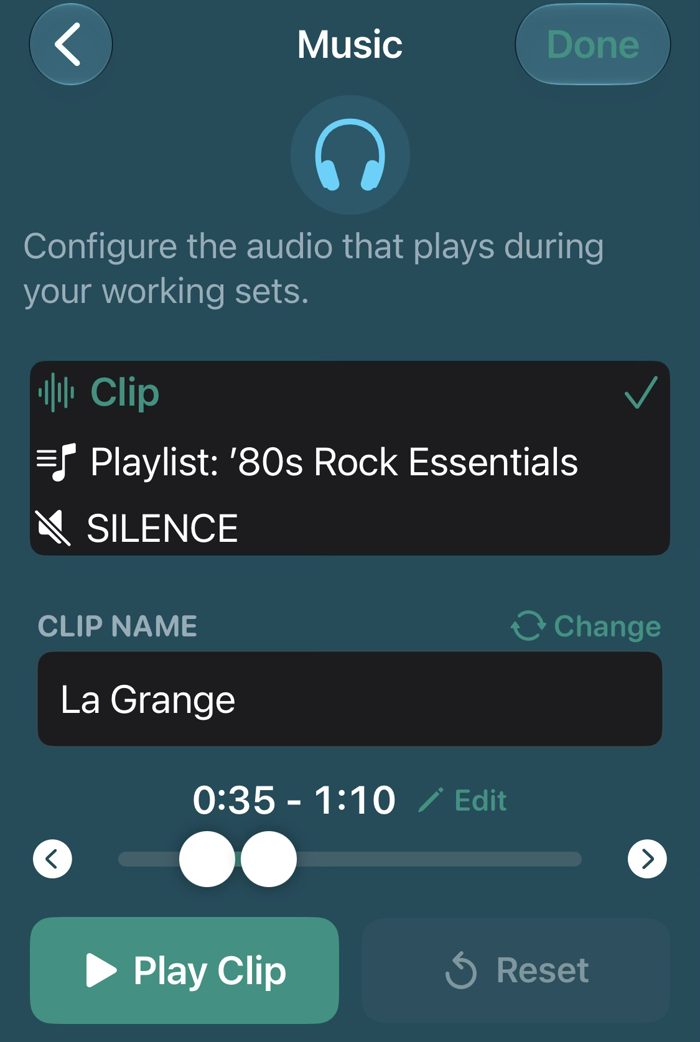
Trim it right
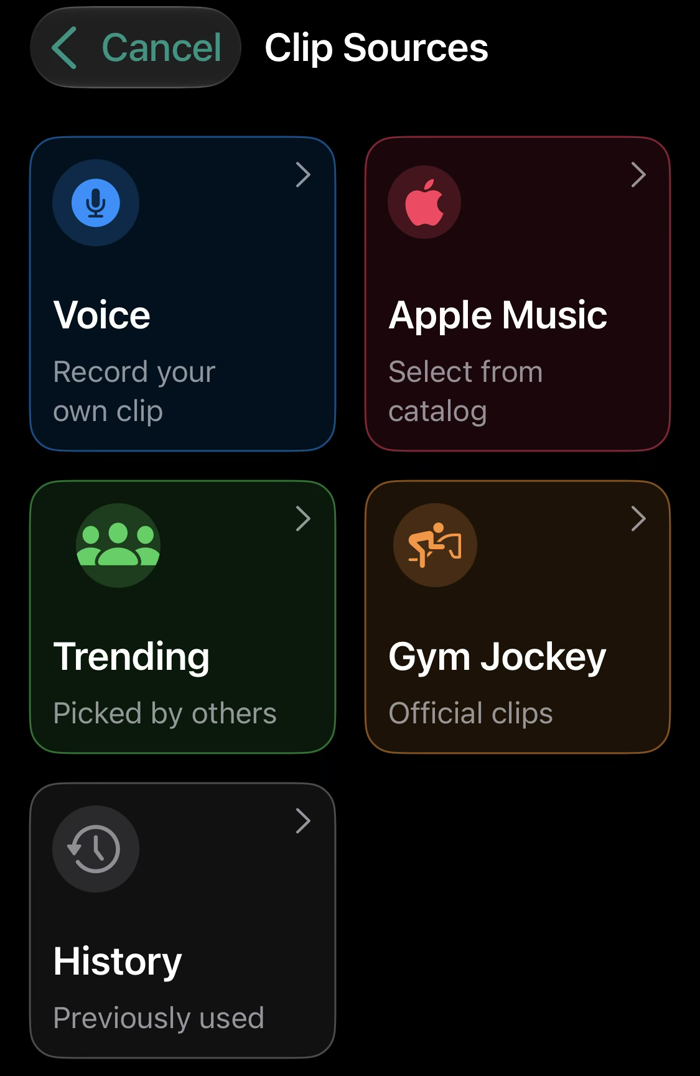
Where clips come from
Apple Music. Most people start here. Browse your library, pick the song and trim the clip. With a subscription you can cut from the whole catalog.
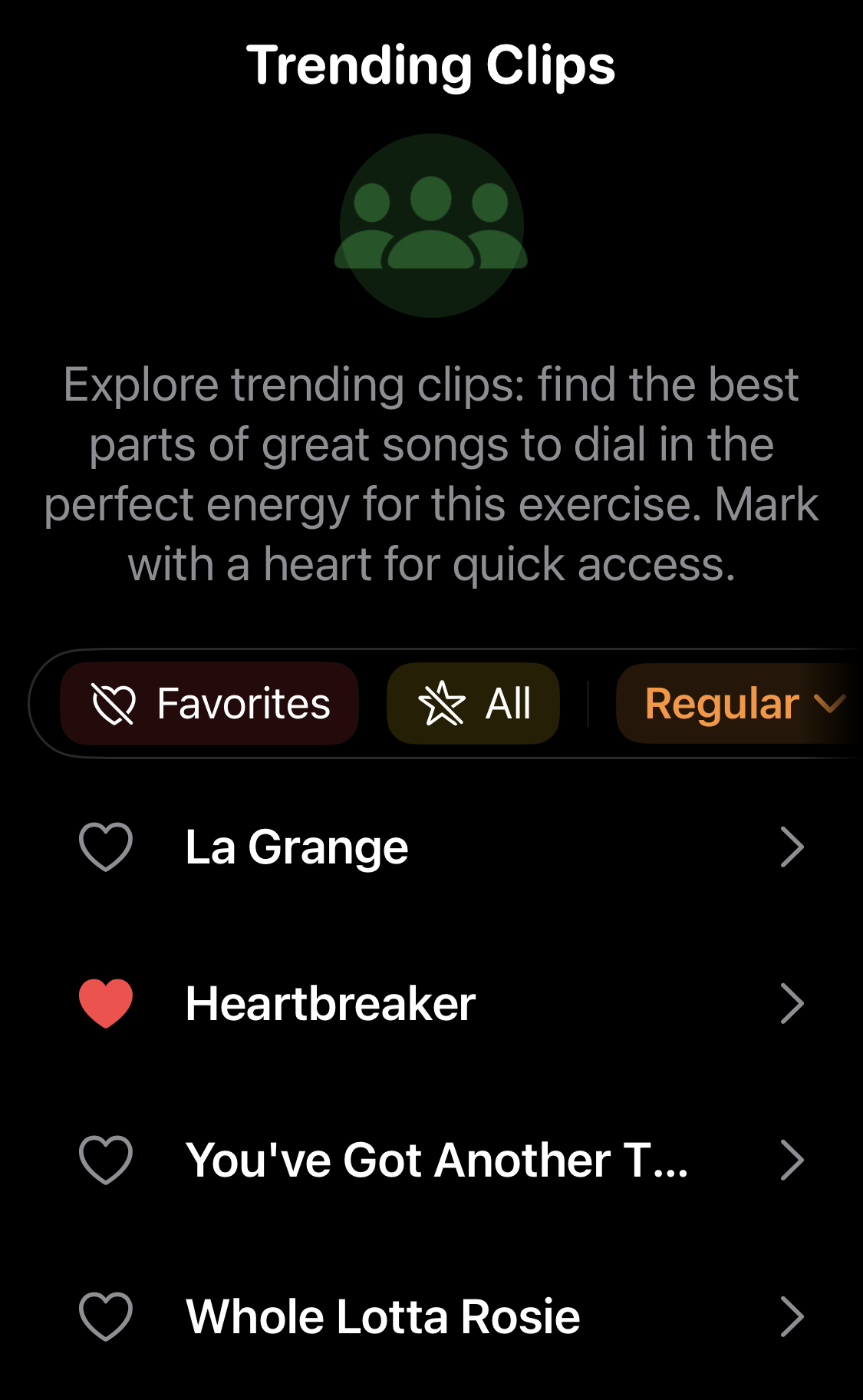
Trending. Clips other lifters have picked, most popular first. It’s the fastest way to a good clip for an exercise you’ve never thought about musically. Every clip is tagged for intensity, texture and tone, and the list starts narrowed to what fits the exercise you’re on; you can loosen or tighten the filters. You can also switch from global to your own country, since a clip that’s huge where you are can be invisible in the world ranking.
Gym Jockey. A few official clips that come with the app. They let you try the idea without an Apple Music subscription, which the clips above need.
Voice. Record your own. For some exercises the right clip is a cadence rather than music: up, two, three, hold, squeeze… and down, three, two, one, in your own voice, looping under the bar and pacing every rep. It’s the proper way to do strict-tempo work.
History lists every clip you’ve used before.
Between sets
Between sets you hear your playlist. You pick it once per routine and it plays whenever you’re not working, in true shuffle, so every song plays once before any repeats. The workout controls move the workout, not the music. The one thing you can do to the playlist is skip a song, from the menu at the top right on the phone or the app menu on the Watch.
Open this page on your iPhone, or point its camera at the code.
On your phone: get TestFlight, open it, tap through Apple's welcome screens, then Accept and Install.
Free during the TestFlight beta. What's TestFlight?
Beta full? Get in touch.