
Exercises & Routines
How Gym Jockey thinks about a workout, borrowed on purpose from your music player.
It’s a music player
An exercise is a track and a routine is the playlist. You press play and move through the workout as you would through an album, with play, pause, back and forward.
Each track has its own shape. An exercise runs start → warm-up → work → end. The start is a moment to set up and hear the notes you left yourself. Then come the warm-up sets and the working sets. The end is a moment to tear down while your playlist plays, before the next track begins. Each of these stages can run on by itself or wait for you to press forward. The controls move you through this sequence; what you hear along the way is on The workout.
Movement → Exercise → Routine
There are three layers, and the bottom one does most of the work.
A movement is the basic unit: which muscles it works, what it’s loaded with, and whether it’s counted in reps or in time.
An exercise is one or more movements plus everything around them: the sets, the progression, the notes and the music. With one movement it’s a classic exercise. With several it’s a superset, one track with several parts rather than separate exercises linked together.
A routine is a list of exercises, the session’s playlist.
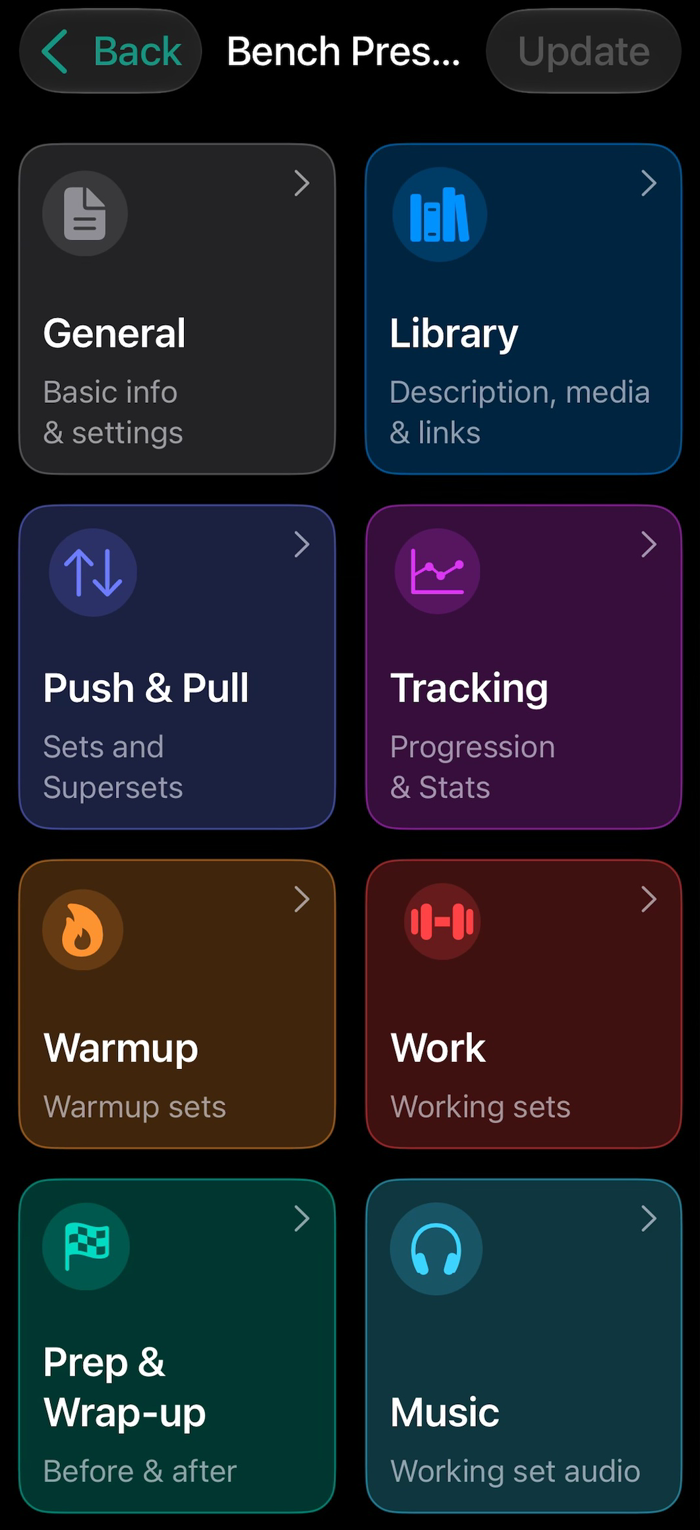
Movements know what they lift
A movement knows how it’s loaded. It can be a barbell, either a standard bar whose weight is known or one you define. It can be a pair of weights or a single one. It can be a machine, with the sled’s own resistance counted in, loaded per side, in the middle or with a pin. It can be a band, in the order and colors you set. Or it can be bodyweight, with your weight from Apple Health if you like, plus assistance or added load.
That may sound pedantic, but the app talks to you, so “Add 10 kg.” has to mean something specific: ten in total, five a side, or moving the pin. Because the movement knows how it’s loaded, the app can say “Add 5 kg per side.” and you don’t do any arithmetic under the bar.
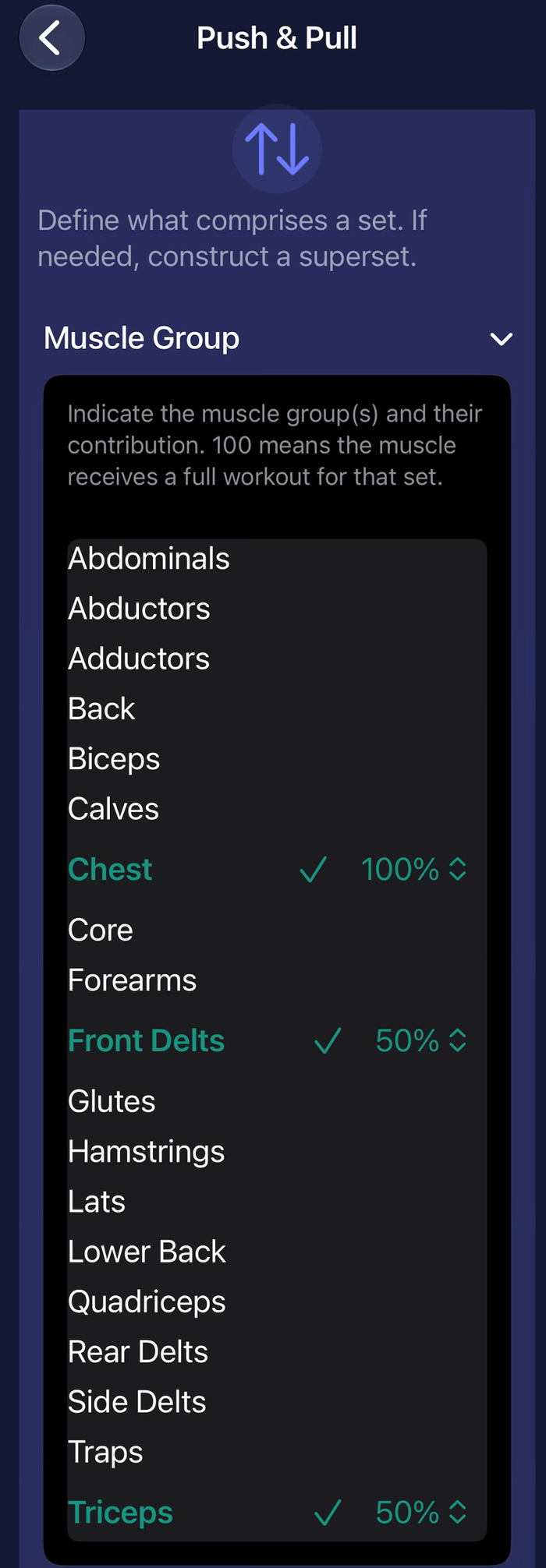
A movement also carries its muscles, one or more, with the share of the work each takes. That’s what lights up the heat map in Reporting. Setting those shares yourself is a Pro setting; the map is free. And a movement is counted in reps or in time, so a set of eight and a forty-five-second hold are handled equally well.
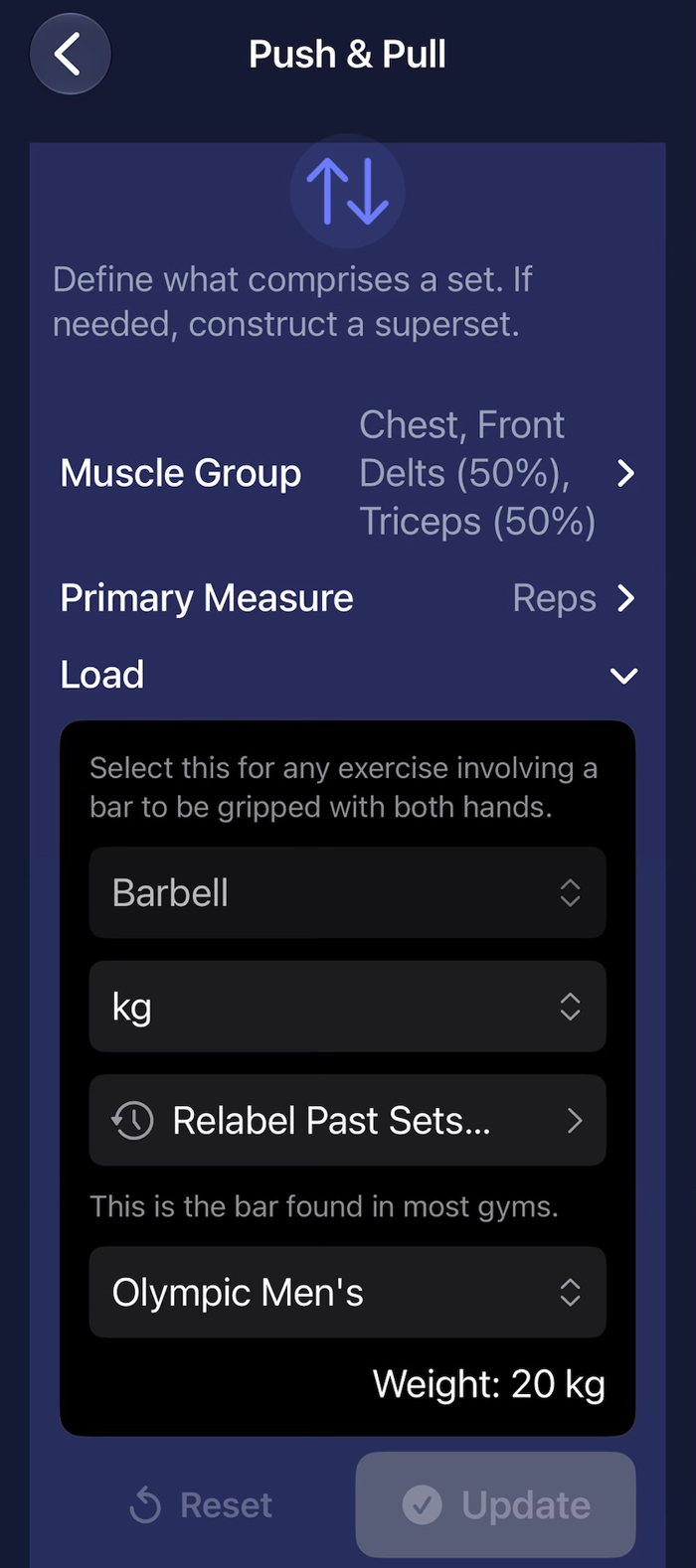
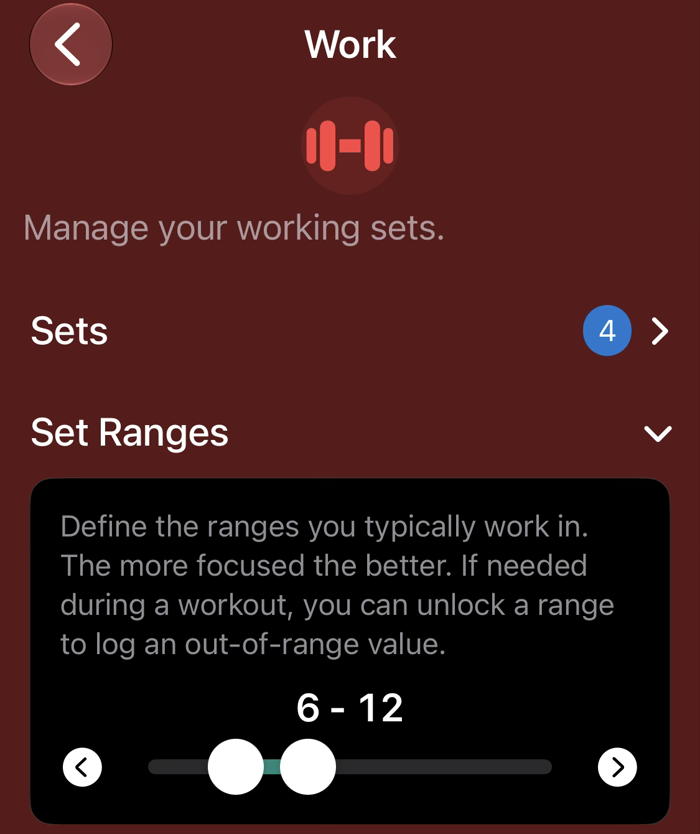
Sets, progression, effort
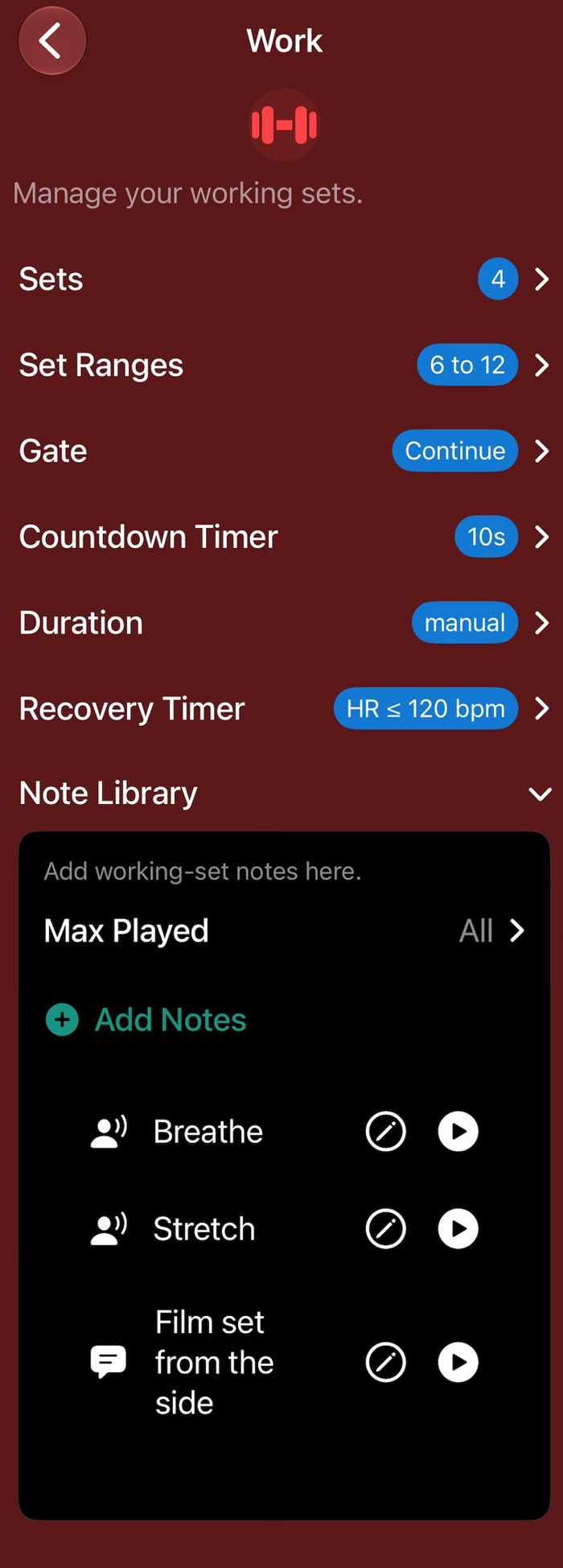
Warm-up sets and working sets are configured the same way: how many, and the rep range for each. Recovery can be one duration for every set or set per set. Before each set there’s a countdown of one to ten beeps, your choice, long enough to breathe up for a heavy single.
You pick the progression, and the app applies it. Static double progression moves every set together: hit the top of the range on all of them and the app proposes the next load, spoken as plates. Dynamic double progression lets each set climb on its own, so set one can move up while set three is still working toward it. Freeform leaves the numbers to you. Whichever you choose, it decides what the voice asks for under the bar and what the wrap-up proposes for next time. The app also watches for stalls. If you don’t progress for the number of sessions you set, it flags a plateau. A deload, a cut or a minor injury that you’ve marked suspends that check, so a deliberate step back isn’t called a stall. ⚑ [verify: where the plateau flag surfaces — routine screen, wrap-up, Reports?]
Warm-ups can be computed rather than typed. Give the exercise today’s working weight and it lays out the ladder in plates, the bar, then ten a side, then twenty, the same way a program sets them up.
Effort tracking is optional. You can use the classic 6–10 scale or the simpler one: max effort, more left, or easy. It feeds the reports and helps the app judge when you’re ready to move up.
Supersets and timed holds
A superset is one exercise with several movements. It runs the same cycle of work and recovery as any other exercise. The difference is in the logging: you log each movement, and give one effort rating for the round.
A timed movement counts down instead of counting reps. It can run for a fixed time or until you press forward. During a long hold the app chimes each minute, then gives you the usual recovery countdown over the last thirty seconds. The built-in demo DEMO FLOWING PLANK runs from start to finish without you touching anything; duplicate it to see how it’s set up.
Notes that wait for their moment
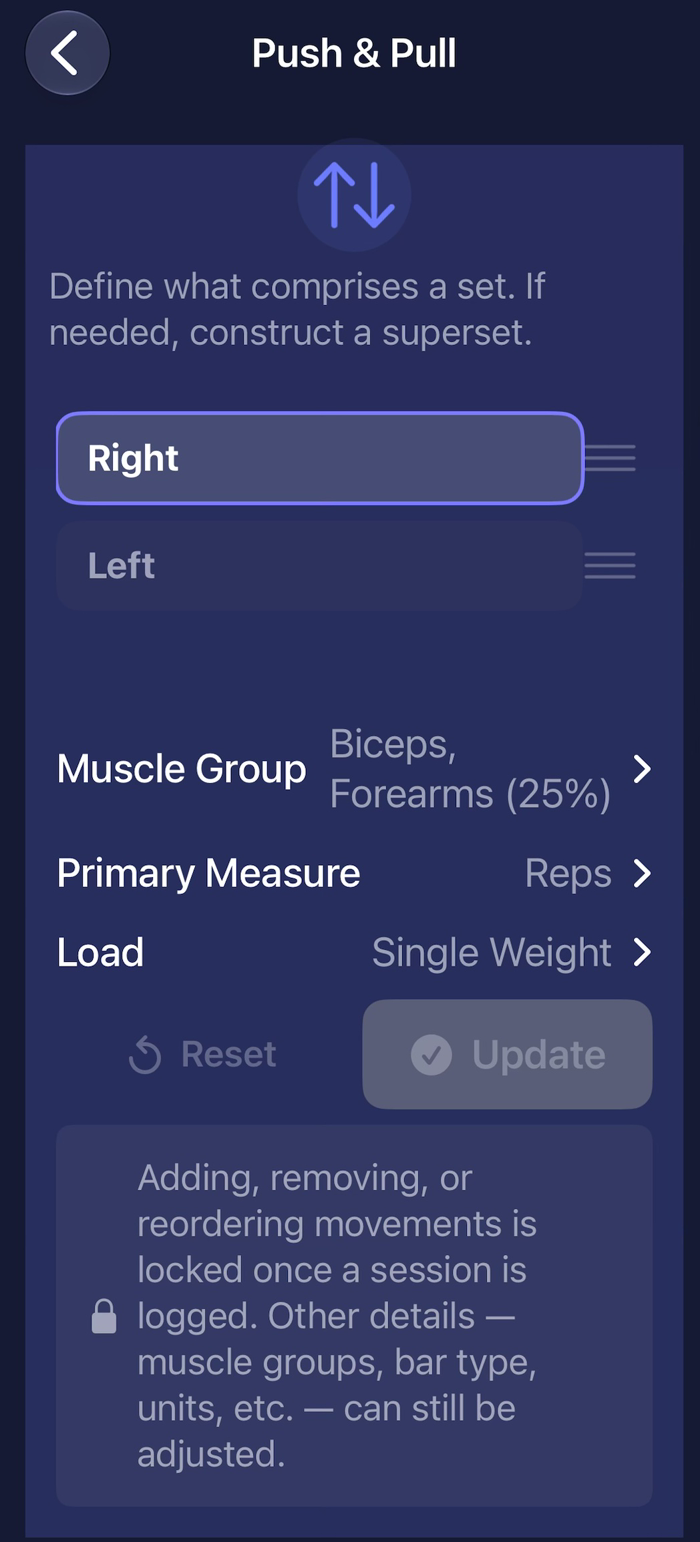
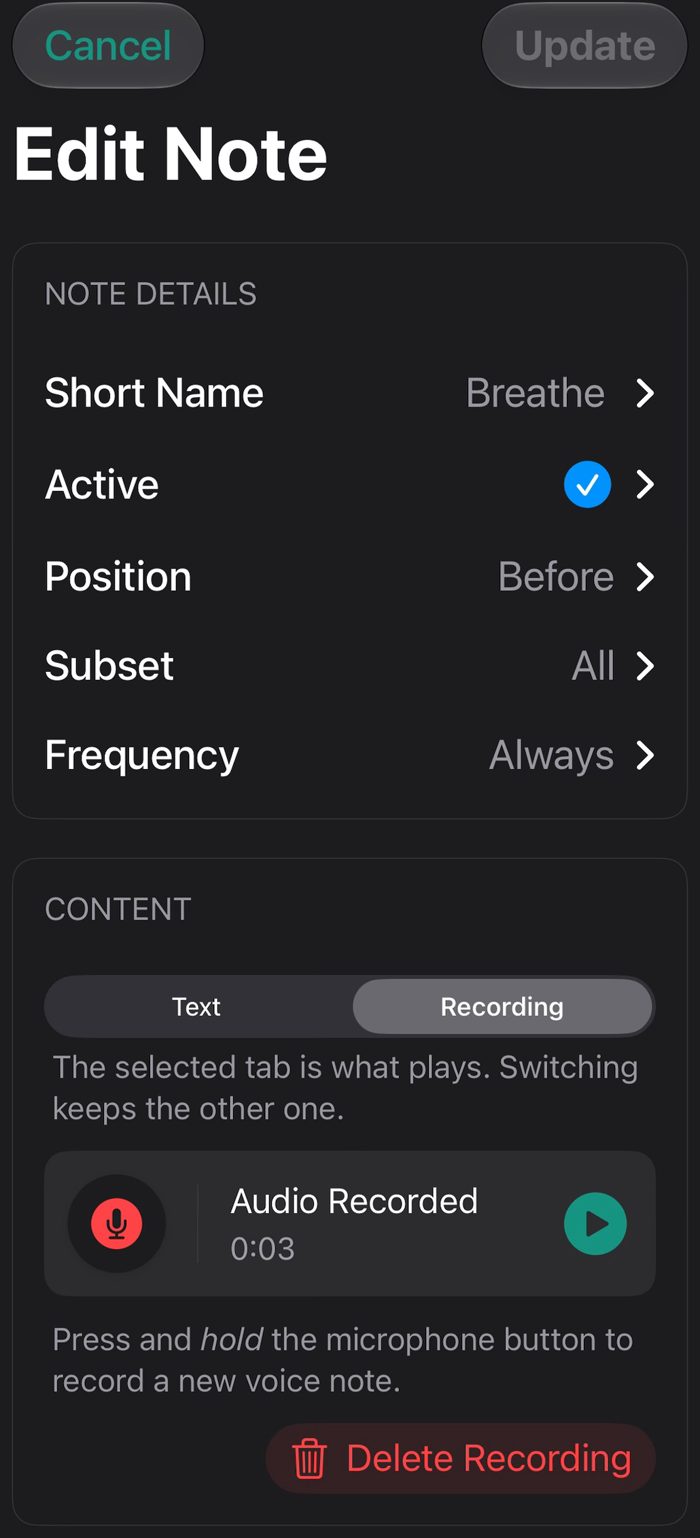
Written notes get skipped because you stop reading them. Here a note is spoken, in your own voice, and you decide when: before the lift or after; on the first set, the last, the middle, or all of them; every time, weekly, monthly, once, or only after you’ve moved up. You can cap how many play in one set, so the one that matters gets heard. The start and end of an exercise take notes too, such as how the machine is set up or the stretch to do before you leave.
Nothing is pre-written. If you add notes, they do a lot; if you don’t, you never hear them. The configurable notes engine is a Pro feature.
Its own music
Every exercise has its own clip, the part of a song that loops while you work, and a routine has the playlist that plays between sets. Music & clips explains how that works and where clips come from.
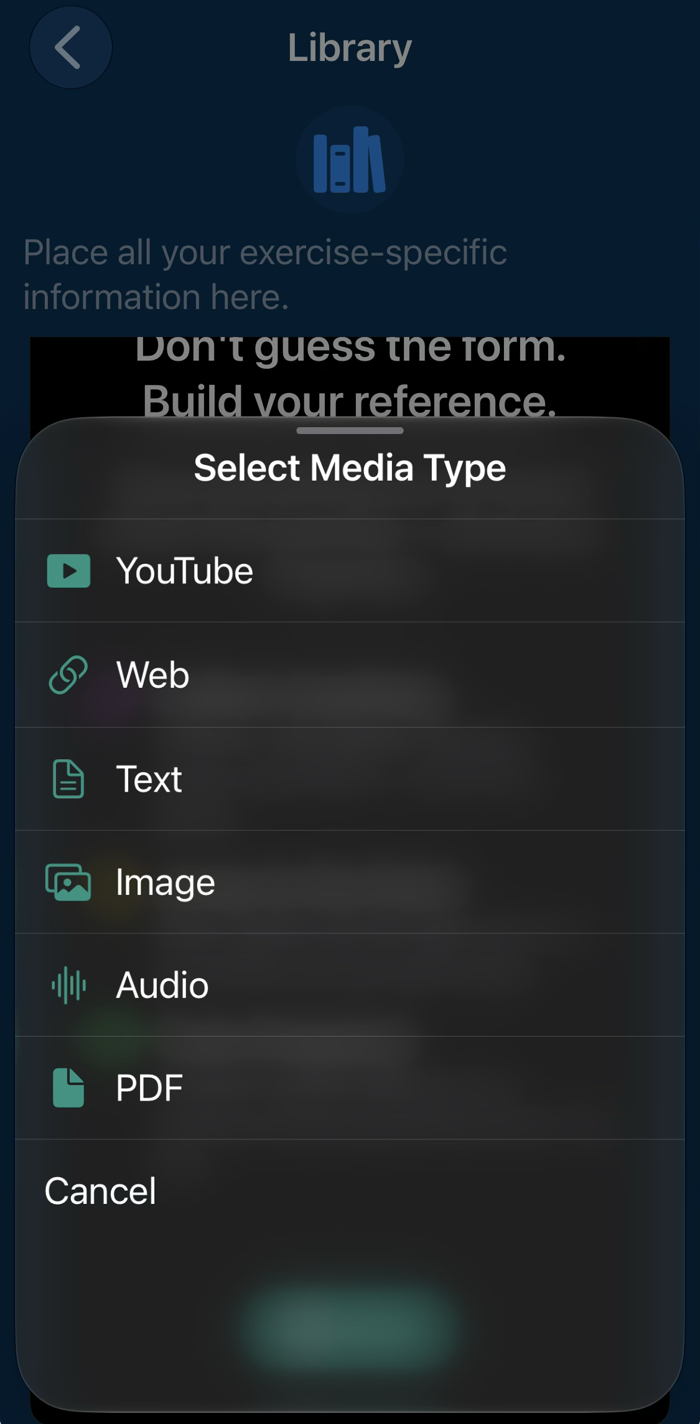
The library
Where they come from
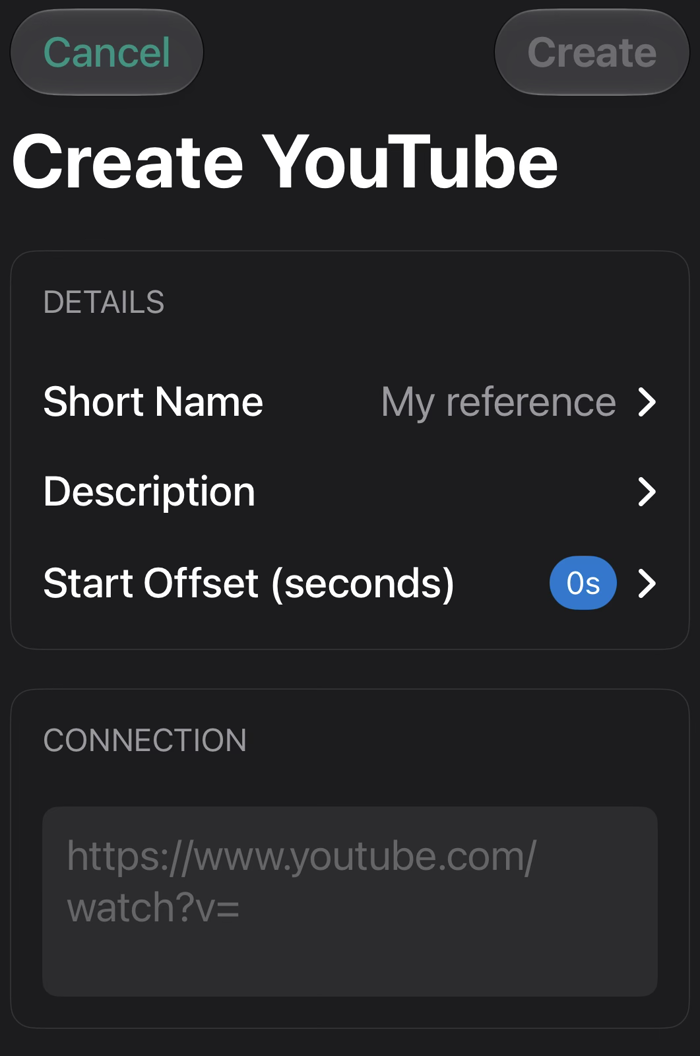
You can build all of this from scratch, but most people won’t need to. A public program comes with its routines and exercises ready. A built-in demo gives you a working configuration to duplicate. An import from another app builds the exercises from your history. All three are on Getting Started.
Open this page on your iPhone, or point its camera at the code.
On your phone: get TestFlight, open it, tap through Apple's welcome screens, then Accept and Install.
Free during the TestFlight beta. What's TestFlight?
Beta full? Get in touch.